Short answer: print a static code that points at a permanent URL you control — not at a dated file — host the menu as a mobile-friendly page rather than a PDF, keep the code at least 3 cm across on a matte table tent, and check it under the lighting your diners actually sit in.
Static or redirect?
A static code contains the URL itself. Nothing sits between the diner and your site, so the code works as long as the URL resolves, the domain is renewed and your host is up. There is no third party that can expire the code, meter scans or start charging you.
A redirect ("dynamic") code points at a shortlink that forwards to your menu. The advantage is that you can change the destination without reprinting, and you get scan counts. The disadvantage is that the redirect is the code's single point of failure: if the provider closes, changes its free tier, or its domain gets blocked by a security filter, every table tent in the building becomes useless at once.
For a menu — printed, laminated, and expensive to redo — the static trade is usually the better one. If you need scan numbers, get them from your own analytics on the menu page instead of from a redirect service.
Point at a URL you will keep
This is the mistake that breaks menu codes more often than anything technical.
A code pointing at /menus/menu-october-2026.pdf dies the moment
someone uploads a new file under a new name. Use a stable path —
/menu — and change what that path serves when the menu changes.
Keep the domain the same, too. Moving to a new domain means reprinting, unless you keep the old one redirecting. If you do change domain, set up 301 redirects for at least a couple of years.
Host the menu as a page, not a PDF
PDFs open in an embedded viewer on most phones, where they are hard to zoom, slow to load on a weak signal, and awkward for accessibility and translation. A simple HTML page with sections for starters, mains, drinks and allergens is faster, readable at any size, easy to keep current, and indexable by search engines — which is free traffic you are otherwise throwing away.
Add prices as text, not as an image of a menu. Photos of a printed menu are the worst of both worlds: slow, unreadable when zoomed, and invisible to search.
Size and printing
A seated diner holds a phone roughly 30 cm from the code, so 3 cm across is the sensible minimum; on a wall or a window, scale with distance — about 1 cm of code per 10 cm of viewing distance. A menu URL is short, so the symbol stays sparse and the modules large, which is why menu codes generally scan well when the size is right.
- Matte laminate, not gloss. A glossy table tent throws a highlight straight into the camera in exactly the overhead lighting restaurants use.
- White space around the code. Leave the blank margin intact; don't crop it into a rounded card corner.
- Dark on light. A code in brand colours on a dark card is a design choice that costs scans.
- No logo inside a 3 cm code. There is not enough room; the logo costs modules you cannot spare.
One code, or one per table?
Static codes let you vary the URL without a redirect service: encode
/menu?table=12 and your own analytics tell you which tables get
scanned, which is useful for spotting a dead table tent without buying
scan-tracking. Numbering also lets you reprint one card instead of the whole
batch.
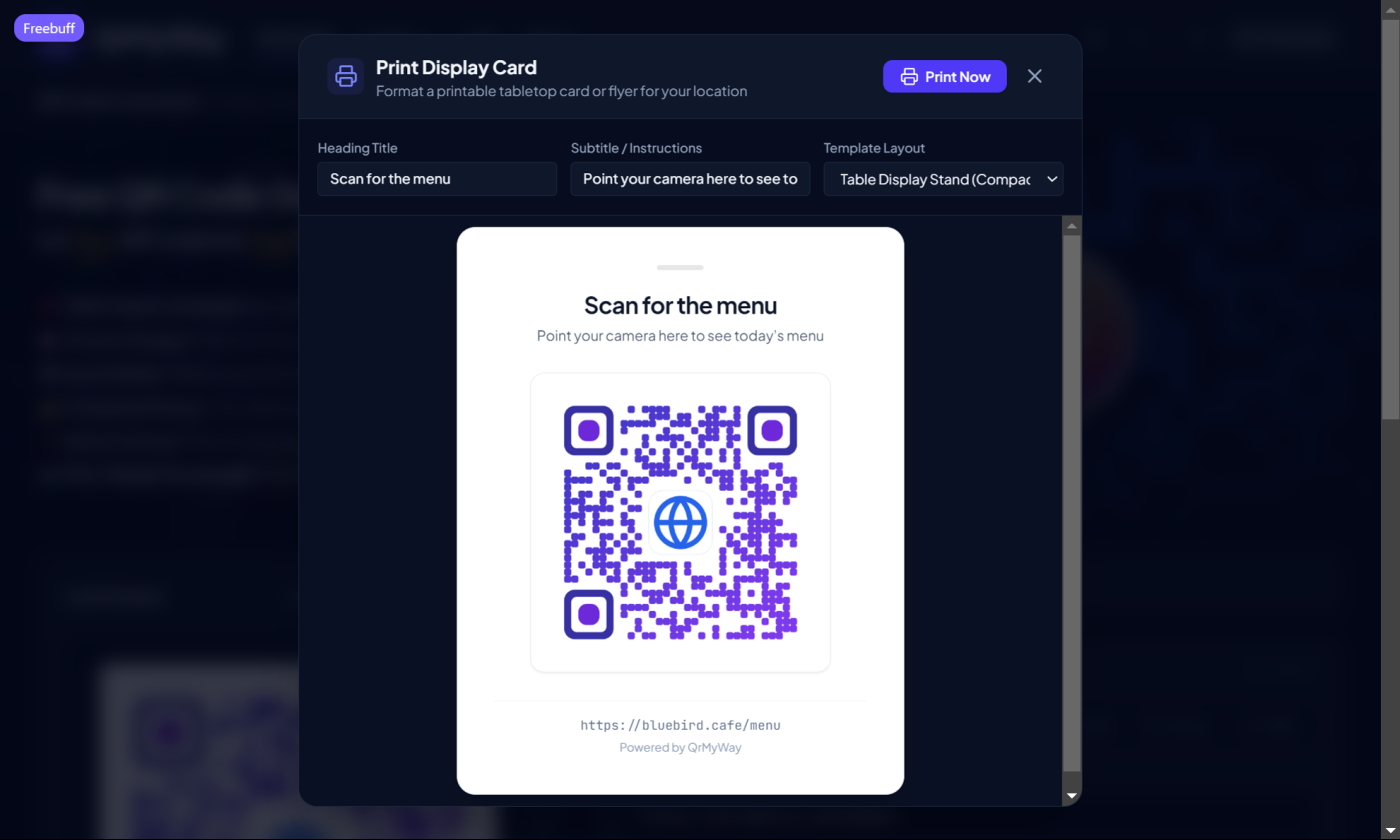
Numbered cards mean numbered headings, so save each one in the library under its own name — "Table 12" — before printing. The printable sheet takes its heading from the saved card, not from whatever is typed in the box at that moment, so restoring the card and printing it again in a year reproduces the same label.
Plan for the failure you will actually have
The realistic failure is not the QR pattern — it is the link. Someone renames a file, the site is down for maintenance, or a captive portal in the guest Wi-Fi interrupts the first load. Two cheap mitigations: keep a plain short URL printed next to the code ("menu.example.com"), and check the code monthly with a phone on mobile data rather than on the restaurant's Wi-Fi.
Checklist before you print a batch
- Menu hosted at a stable, permanent URL; the code encodes that URL.
- Code at least 3 cm across on the tent, with the quiet zone intact.
- Matte finish; dark modules on a light background.
- No logo, or a logo well inside the safe area if the code is large.
- Tested with an iPhone and an Android phone, seated, in the room's evening lighting.
- The short URL printed as text next to the code, as a fallback.
Make the code in the generator — paste the URL, export SVG for the printer. Sizing rules are in the print guide, and contrast problems are covered in the colour guide.